The Access Checklist: What to Grant an AI Agent in Google Ads and Meta (and What to Withhold)
Nov 1, 2026
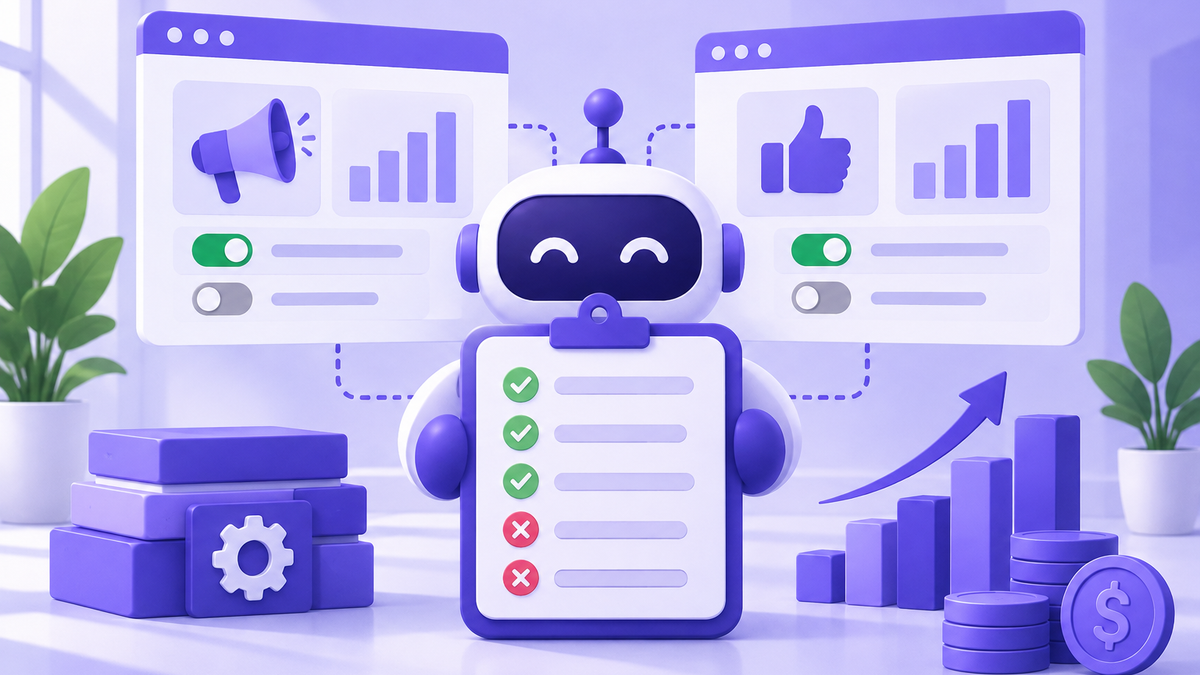
The question isn't *whether* to let an AI agent touch your ad accounts. If you're reading this, you've already decided. The question is which doors to open, which to leave locked, and how to prove — a month from now — that the agent only did what it was supposed to do.
This is the checklist we hand to Plyto customers before we connect anything. It works whether the agent is Plyto, a different vendor, or an in-house script.
Start with the permission levels, not the login
The single biggest mistake we see: someone shares a Gmail password or logs the agent in as the account owner. Don't. Both Google Ads and Meta have granular roles that exist specifically for this.
Google Ads roles you'll choose between:
- *Read only* — the agent can see everything, change nothing. Good for an audit-only trial.
- *Standard* — can edit campaigns, keywords, budgets, and creative. This is the right level for an agent that will actually optimize.
- *Admin* — can add and remove users, change billing. An agent almost never needs this.
Meta Business Manager roles:
- *Advertiser* access on the ad account — can create and edit ads and see performance.
- *Advertiser analyst* — read-only equivalent.
- Avoid granting *Admin* on the Business Manager itself. That's a different, much broader key.
If the vendor insists on admin or owner-level access, that's a signal to ask why in writing.
Use the agent's own identity, never a shared login
An AI agent should connect through OAuth or a dedicated manager account — not by signing in as you.
For Google Ads, the clean pattern is: the agent operates from its own Google Ads Manager account (MCC), and you *link* your account to that MCC with a specific access level. You can unlink in one click. There's a full change history tagged with the MCC's name, so every edit is attributable.
For Meta, the clean pattern is: you add the agent as a Partner in Business Manager and assign them specific assets (the ad account, the Page, the pixel) at specific permission levels. Partner access is revocable per-asset and logs every action.
Both patterns mean you never share a password, never share 2FA codes, and never have to rotate a credential when a person at the vendor leaves.
Scope access to assets, not the whole account
If you run several brands or clients out of one Business Manager, assign the agent to one ad account, one Page, one pixel, one catalog — whatever it actually needs. Not everything.
Google Ads is similar: if you have an MCC with ten accounts under it, link only the account the agent will manage. Don't link the parent MCC.
Smaller surface area = smaller blast radius if something goes wrong.
Put guardrails on money before you turn anything on
Access controls stop unauthorized changes. Budget controls stop *authorized* changes from running away.
Before the agent is live:
1. Set an account-level daily budget cap on each campaign. Google Ads and Meta both let you cap daily spend; the agent can request more but can't silently 10x the budget overnight.
2. Set a monthly billing threshold on your payment method so a card alert fires if spend crosses a line.
3. Keep billing permissions with you. The agent should spend money, not change payment methods.
4. Decide a creative approval rule. For example: the agent can rotate copy within a tested framework, but new landing-page URLs require a human sign-off.
Write these down. If the vendor can't tell you how their agent respects a daily cap or a creative-approval rule, you don't have guardrails — you have hope.
Turn on the audit trail (both sides)
You want two logs: the platform's and the agent's.
Platform side. In Google Ads, the *Change history* report shows every edit, who made it, and when — filter by user to see only the agent's actions. In Meta, the *System users* and account activity logs do the same.
Agent side. Any serious AI agent should give you a readable log of what it did and *why*. "Paused ad group X at 2:14 AM — spent $47, zero conversions in 7 days" is a useful log. "Optimized campaign" is not. Ask to see a sample log before you connect anything.
If the two logs disagree, you have a problem. If the agent won't show you its log at all, you have a bigger one.
Run a two-week shadow period
For the first two weeks, grant the agent read-only access and have it send you a daily list of the changes it *would* make. Compare that list to what you'd do yourself.
This sounds slow. It is. It's also the only reliable way to learn whether an agent's judgment matches your business before it starts spending.
At Plyto, we encourage this period explicitly. Accounts that go through a shadow phase have fewer rollbacks in month two.
Know how to revoke access in under 60 seconds
Before you grant anything, practice removing it.
- Google Ads: Tools → Access and security → remove the MCC link or the user. Done.
- Meta Business Manager: Business settings → Partners (or Users) → remove the partner from the asset. Done.
- Payment methods: keep yours attached to your own identity so the agent can't lock you out of your own account.
If you can't articulate the revoke path, you're not ready to grant the access.
The short version
Use platform roles, not shared logins. Give the agent its own identity through MCC linking or Partner access. Scope to specific assets. Cap budgets and keep billing to yourself. Turn on both audit logs. Shadow for two weeks. Know the revoke path cold.
Do that, and an AI agent on your ad accounts is one of the safer integrations in your stack — safer than a freelancer with your password, and a lot easier to turn off.
Plyto is your AI marketing assistant: it makes and runs your ads
It writes the ad, builds the landing page, captures the leads and shows you which dollar came back. Try it free, no credit card.
Start free